Professional Headshot Generator
A professional headshot opens doors — on LinkedIn, your company website, speaking bios and press pages. Get one without the $300 studio session.
Generate My Headshot →What Is a Professional Headshot?
A professional headshot is a close-up photo of your face and shoulders, shot with studio-quality lighting and a clean background. It's the standard photo used on LinkedIn, company websites, email signatures, speaking engagements, and media bios.
The key difference from a casual selfie: controlled lighting, clean composition and professional presentation. That's exactly what ShutterAI recreates — your face, your features, but shot like a studio would.
What to Wear for a Professional Headshot
- Solid colors beat patterns. Navy, charcoal, white and muted earth tones photograph best. Avoid loud prints — they pull attention from your face.
- Dress one level above your daily work. If you wear t-shirts at work, wear a collared shirt. If you wear collared shirts, add a blazer. It reads as "competent" in photos.
- Avoid all-black on black backgrounds. Your shoulders disappear into the frame.
- Simple jewelry, tidy hair. The photo should emphasize you, not your accessories.
With ShutterAI you don't even need to dress up — our Professional style puts you in appropriate business attire automatically while keeping your face recognizable. For best results, follow our guide to taking the photos before you upload.
Professional Headshot Styles
- Corporate: business suit, clean neutral studio background, confident smile.
- Smart casual: modern office look, warm lighting, approachable.
- Classic: timeless, elegant framing that works for any industry.
Pick one style or generate several — one purchase includes 3 generations of 4 photos each (12 HD headshots total).
Also need a photo for your resume or team page? See Resume Photos and Corporate Headshots.
How It Works
- Upload 3–10 selfies (front-facing, good lighting)
- Choose the Professional, Smart Casual or Classic style
- AI generates your headshot in 30–60 seconds
- Download HD photos and use them anywhere
Examples

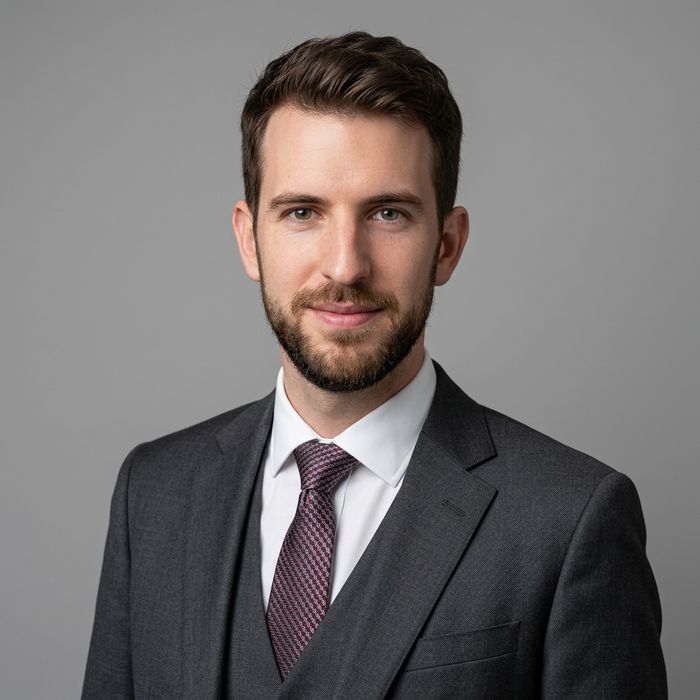
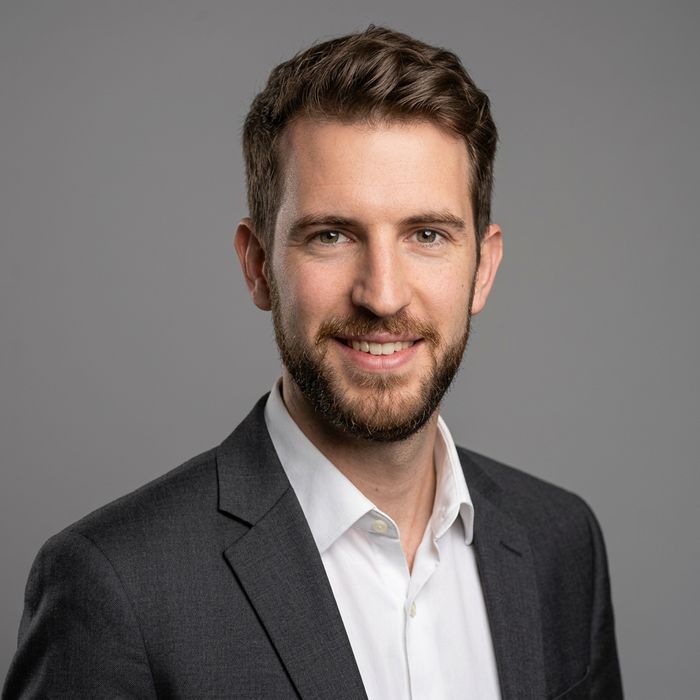

Professional Headshot FAQ
Will a professional AI headshot look like me?
Yes. The AI learns your facial features from your uploaded photos and keeps them — it changes the setting, lighting and outfit, not your face.
How much does a professional headshot session cost?
A studio session typically costs $200–$500. ShutterAI is $9.9 once for 12 HD headshots, no subscription, yours forever. See our AI vs Photographer comparison for the full breakdown.
What background should a professional headshot have?
Clean, neutral, slightly blurred backgrounds work best — solid gray, white or an office setting. Our styles handle this automatically.
Can I use these headshots commercially?
Yes. You own the generated photos and can use them on LinkedIn, resumes, your company website, press materials and more.
Get Your Professional Headshot
Upload selfies, get studio-quality headshots in under a minute.
Create My Professional Headshot →← ShutterAI Home · AI Headshot Generator · LinkedIn Headshots · Corporate Headshots