AI Headshot Generator
Turn a few selfies into professional, studio-quality headshots — for LinkedIn, your resume, dating profiles and social media. No photographer, no studio, no appointment.
Generate My AI Headshot →What Is an AI Headshot Generator?
An AI headshot generator uses a machine learning model trained on professional photography to create a high-quality portrait of you from your own photos. You upload a few selfies, the AI learns your facial features, and it generates new photos of you in professional settings — studio lighting, clean backgrounds, appropriate clothing.
The result looks like a real studio photo, but it's generated in 30–60 seconds. It's you — recognizable, natural — just at your best. That's what ShutterAI does.
Why Use an AI Headshot Generator?
- A professional photo matters. LinkedIn reports that profiles with a professional photo can get up to 14x more profile views.
- Studios are expensive and slow. A session costs $200–$500 and takes weeks to book. AI headshots take a minute.
- You look like you. Unlike filters, AI headshots preserve your facial features — it's you, in a better setting.
- Unlimited do-overs. Don't like the first set? Generate another style. No rebooking, no extra cost.
- Privacy-friendly. Your photos are processed for your generation only, never stored on our servers or used for training.
Still deciding between AI and a real studio? Read our honest AI Headshot vs Photographer comparison.
How It Works
- Upload 3–10 selfies. Different angles, good lighting. The more varied, the better the AI learns your face.
- Choose a style. Professional, casual, travel, street, smart-casual or classic.
- AI generates your headshots. Ready in 30–60 seconds.
- Download and use them anywhere. HD, no watermark (paid), yours forever.
Not sure how to take the photos? Read our guide to taking selfies for AI headshots — lighting, angles and photo count make a real difference.
Who Is It For?
- Professionals — a polished photo for LinkedIn, your company profile and email signature.
- Job seekers — a professional resume photo that makes a good first impression.
- Creators — consistent, on-brand profile pictures across platforms.
- Entrepreneurs & founders — a credible photo for your bio, pitch deck and press page.
- Anyone on dating apps — natural, well-lit photos that get more matches.
See real results on the Examples page, or jump to a specific use case: LinkedIn Headshots, Resume Photos, Dating Photos or Corporate Headshots.
AI Headshot Examples


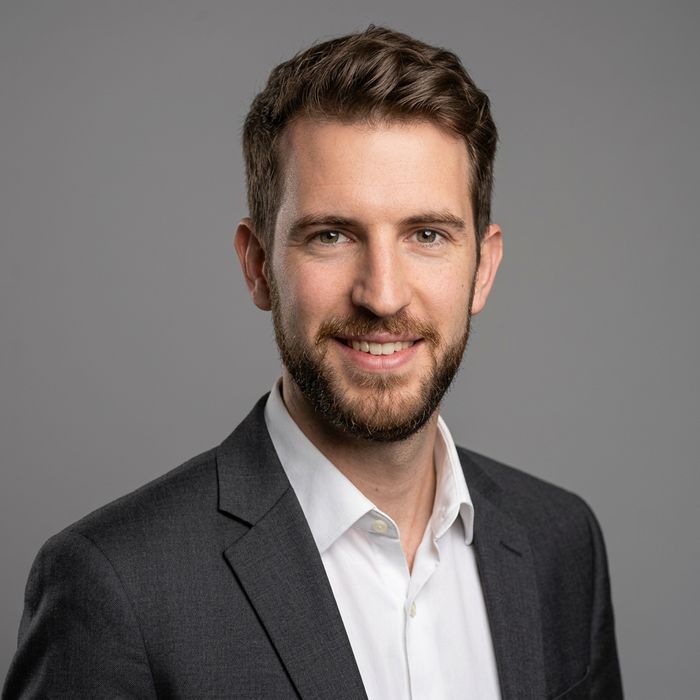

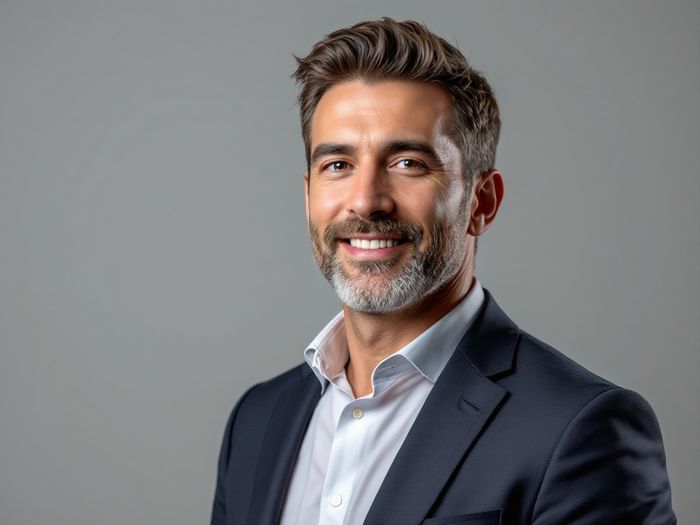
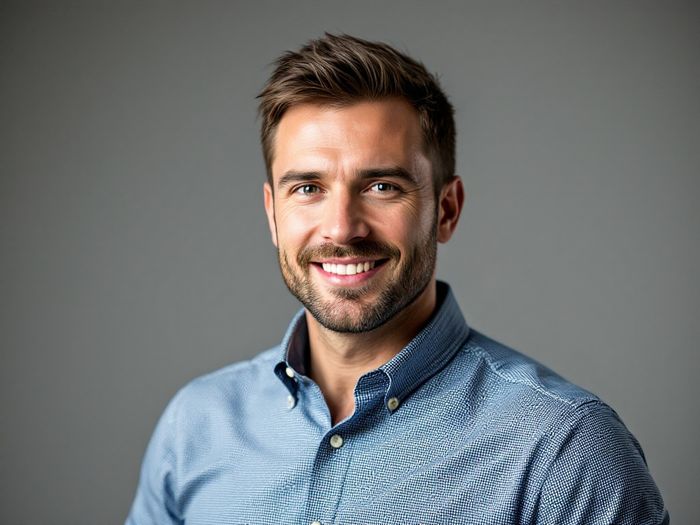
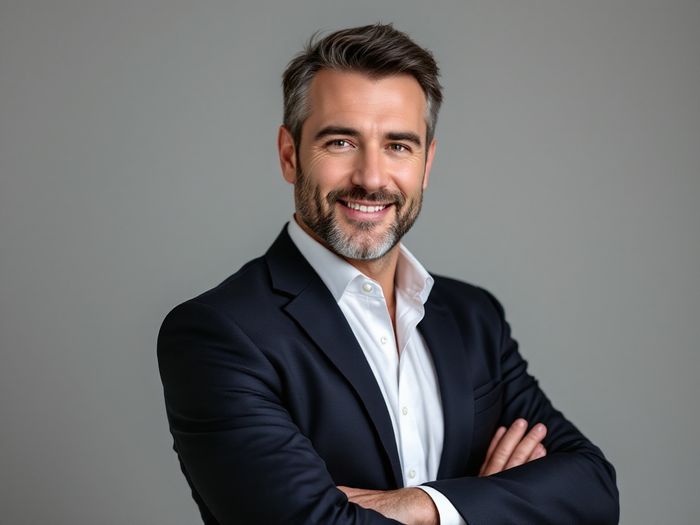
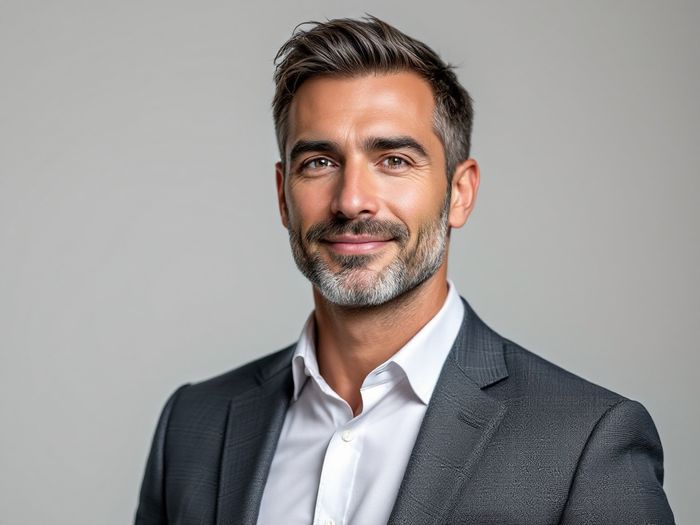
Headshot Styles You Can Generate
- Professional — corporate look, studio lighting, clean background.
- Smart Casual — modern office style, warm and approachable.
- Classic — timeless, elegant framing for any industry.
- Casual — relaxed and natural for personal profiles.
- Travel — golden-hour look with a scenic backdrop.
- Street — urban, edgy and candid.
AI Headshot Generator FAQ
Do AI headshots look like me?
Yes. The AI learns your facial features from your uploaded photos and preserves them. The headshot is you — just with professional lighting, a clean background and appropriate clothing.
How many photos do I need to upload?
At least 3, ideally 5–10. More photos from different angles help the AI learn your face more accurately.
Can I use AI headshots on LinkedIn and my resume?
Yes. As long as the photo is an accurate, recognizable photo of you — which is exactly what ShutterAI produces — it's fine for LinkedIn, resumes and company profiles.
How long does it take?
About 30–60 seconds per set of 4 headshots. Much faster than booking a studio session.
How much does it cost?
$9.9 once for 12 HD headshots (3 generations × 4 photos). No subscription, no watermark, yours forever. A studio session costs $200–$500 by comparison.
Are my photos private?
Yes. Your photos are used only for your generation — never stored on our servers, never used for training — and are automatically removed after processing.
Generate Your AI Headshot
Upload a few selfies and have professional headshots in under a minute. Try it free — no credit card needed.
Create My Headshots →← ShutterAI Home · Professional Headshots · LinkedIn Headshots · AI Profile Pictures · Dating Photos