AI Profile Picture Generator
Your profile picture is your digital handshake. Make it count on every platform — without a photoshoot.
Create My Profile Picture →One Photo Doesn't Fit Every Platform
Each platform has different expectations for what a profile picture should look like:
- LinkedIn — professional, close-up, clean background. This is your "first impression" for recruiters and clients.
- Twitter/X — your face should be recognizable even at 48×48 pixels. High contrast, simple background wins.
- Instagram — more personality allowed, but still clear and on-brand.
- WhatsApp / messaging apps — friendly and recognizable, people need to find you in a list of contacts.
ShutterAI's style presets cover all of these — from the Professional look for LinkedIn to Smart Casual and Travel for personal profiles.
Why Use AI for Your Profile Picture?
- Consistency across platforms. Generate multiple styles from the same face — your profiles look like the same person.
- Better than your phone selfie. Studio lighting and backgrounds without a studio.
- No photographer, no scheduling, no cost barrier. $9.9 once for 12 photos you can use everywhere.
- It still looks like you. AI learns your features — it's you, at your best.
Need a more formal option? See LinkedIn Headshots, or browse the Examples page to pick a style.
How It Works
- Upload 3–10 selfies
- Pick your style (Professional, Casual, Travel, Street…)
- Get 4 AI profile pictures in 30–60 seconds
- Download and set them on any platform
Examples
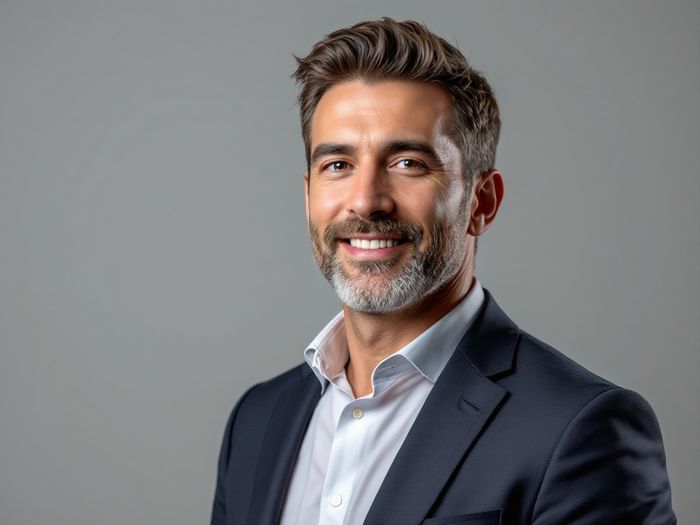
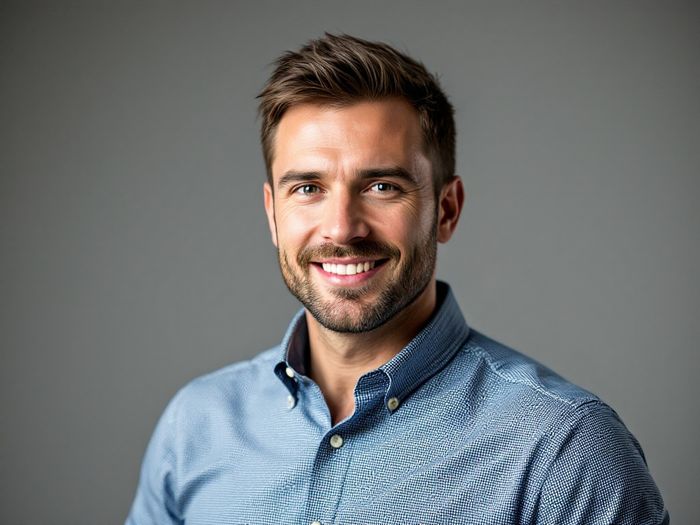
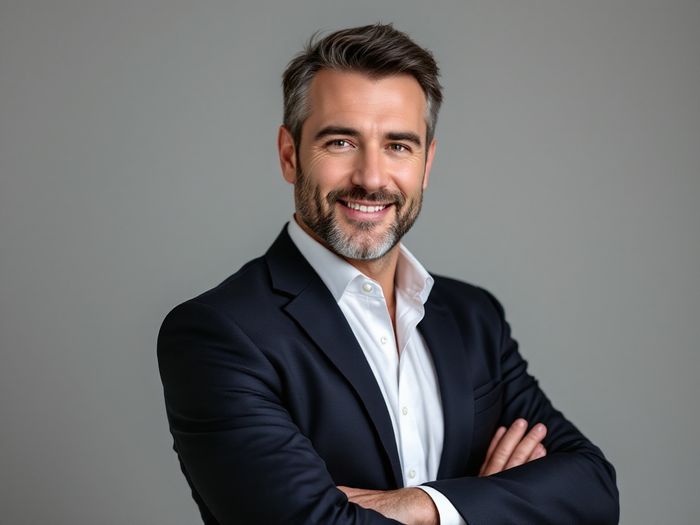
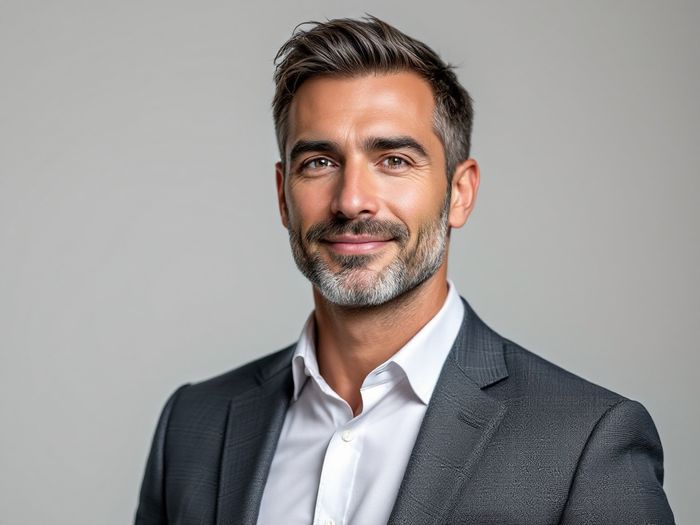
Profile Picture FAQ
What makes a good profile picture?
Your face should be clearly visible, well lit, and take up most of the frame. Avoid group photos, heavy filters, and busy backgrounds — especially on LinkedIn and Twitter where photos display small.
Can I use the same AI photo on every platform?
You can, but generating a couple of styles (one professional, one casual) gives you platform-appropriate options from the same face.
Is an AI profile picture allowed on LinkedIn?
Yes — as long as it's an accurate, recognizable photo of you, which is exactly what ShutterAI produces. It should not be a fictional or heavily edited persona.
Upgrade Your Profile Picture
One upload. Twelve photos. Every platform covered.
Create My Profile Picture →← ShutterAI Home · AI Headshot Generator · LinkedIn Photos · Instagram Photos