Instagram Profile Picture Generator
On Instagram, your profile picture is your brand mark — for personal accounts and business accounts alike. Make it clear, on-brand and recognizable, even in a 40px circle.
Generate My Instagram Photo →Instagram Profile Picture Specs
- Display size: 110×110 pixels in the app, cropped to a circle. Your face must survive the circle crop.
- Recommended upload: at least 320×320 pixels; ShutterAI outputs 1024px+, so you're covered.
- Center your face: Instagram crops from the center — keep your face centered with headroom.
- High contrast: your face should stand out from the background at thumbnail size.
Personal vs. Business Profile Pictures
- Personal: a natural, friendly photo works best — people follow people. The Casual and Travel styles fit.
- Business / creator: a consistent, professional photo builds recognition. The Professional and Smart Casual styles fit.
- Consistency across platforms: the same face, same style, on Instagram, X, LinkedIn and TikTok — that's how personal brands become recognizable.
For other platforms, check our AI Profile Pictures and Dating Photos guides.
How It Works
- Upload 3–10 selfies
- Pick the style that matches your personal brand
- Get 4 IG-ready photos in 30–60 seconds
- Crop-free, HD, ready to upload
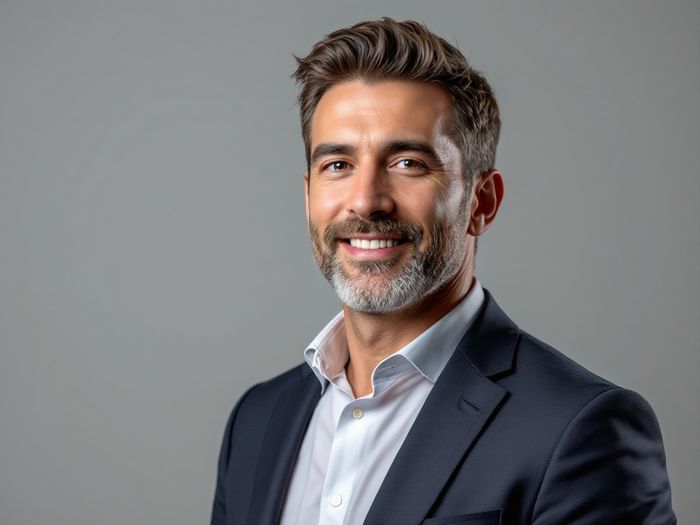
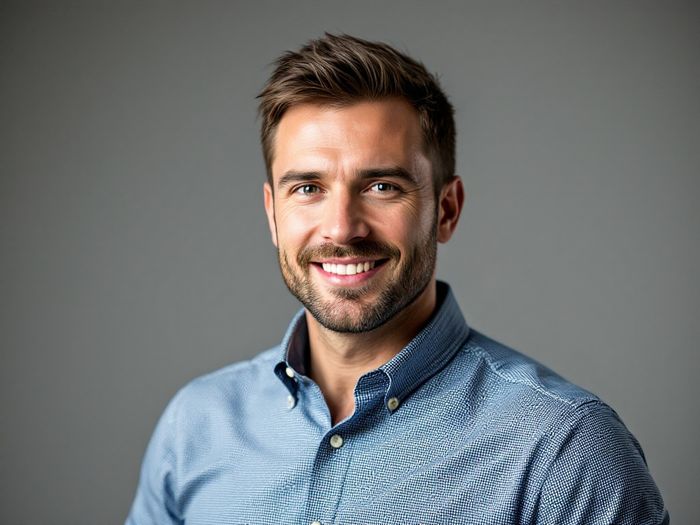
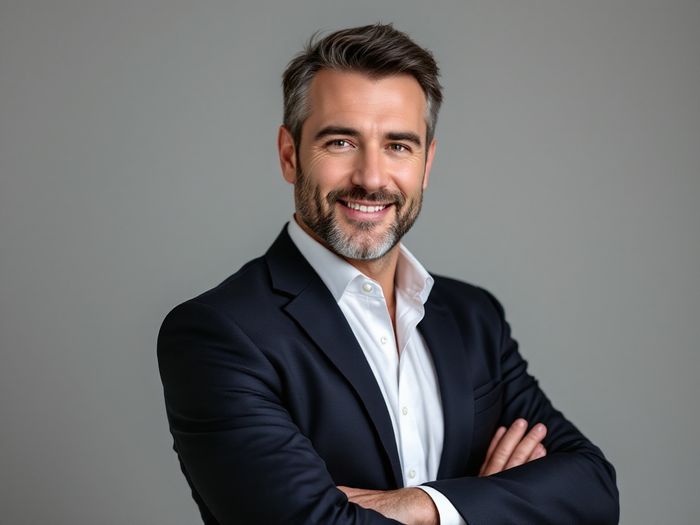
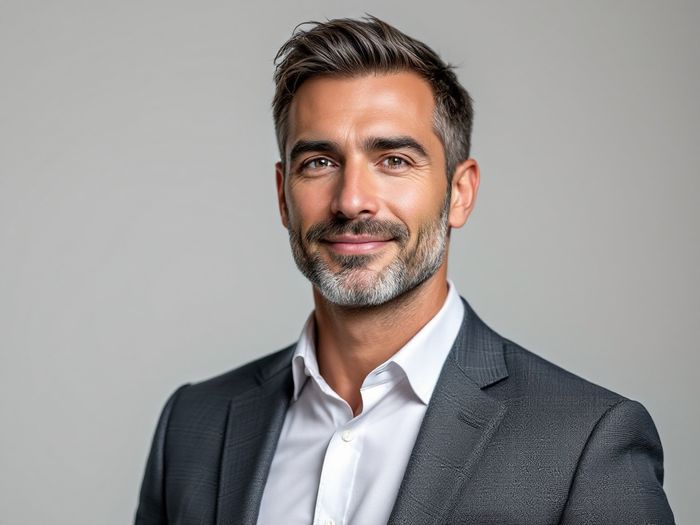
Examples
Instagram Photo FAQ
Why does my profile picture look blurry on Instagram?
Instagram compresses and displays profile pictures at a small size. Uploading a high-resolution, high-contrast photo (1024px+, like ShutterAI outputs) minimizes quality loss.
Can I use an AI photo as my Instagram profile picture?
Yes. It's your photo of you — same as using a camera photo. Keep it recognizable and on-brand.
How often should I update my profile picture?
There's no rule, but keeping it current (every 1–2 years or when your look changes) helps people recognize you in real life.
Get Your Instagram Photo
Clear, on-brand, recognizable — in under a minute.
Create My Instagram Photo →← ShutterAI Home · AI Headshot Generator · AI Profile Pictures · Dating Photos